

Docs
Short video guides to every part of Prolepsia, each with the steps written out.
Full tour
Get started
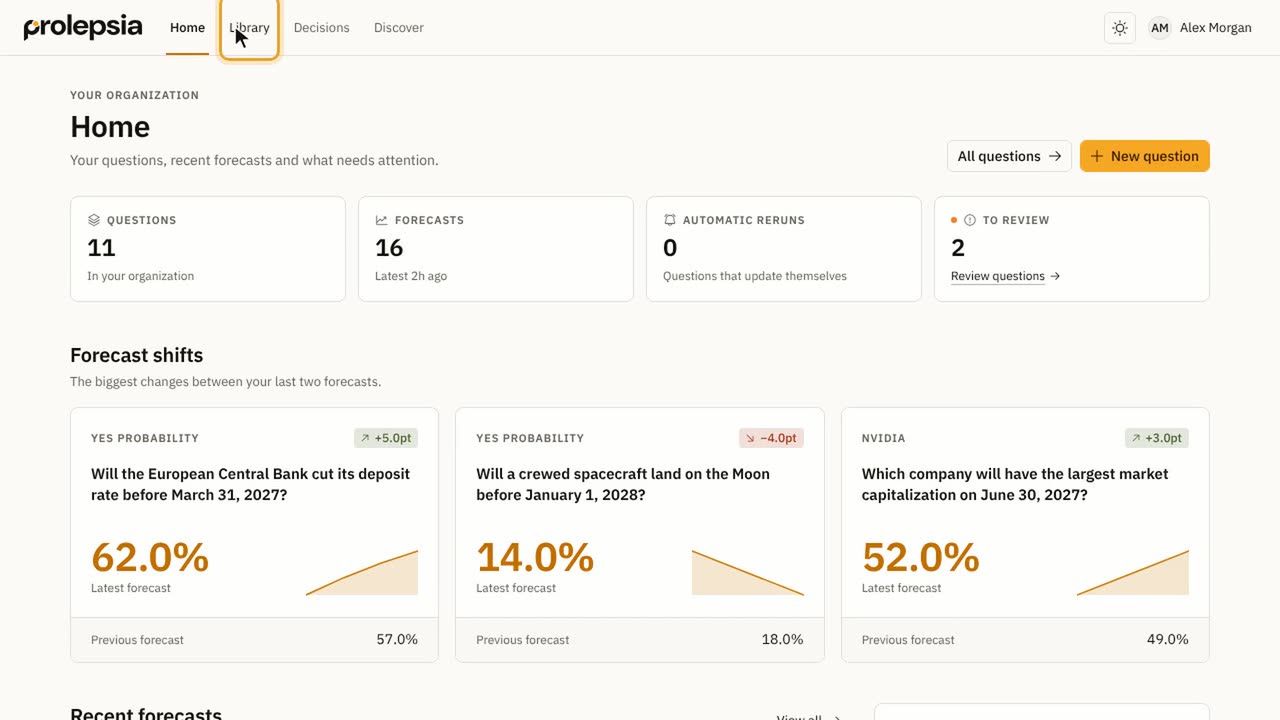 Find your way around0:55
What you see on Home, and where the Library, Decisions and Discover are.
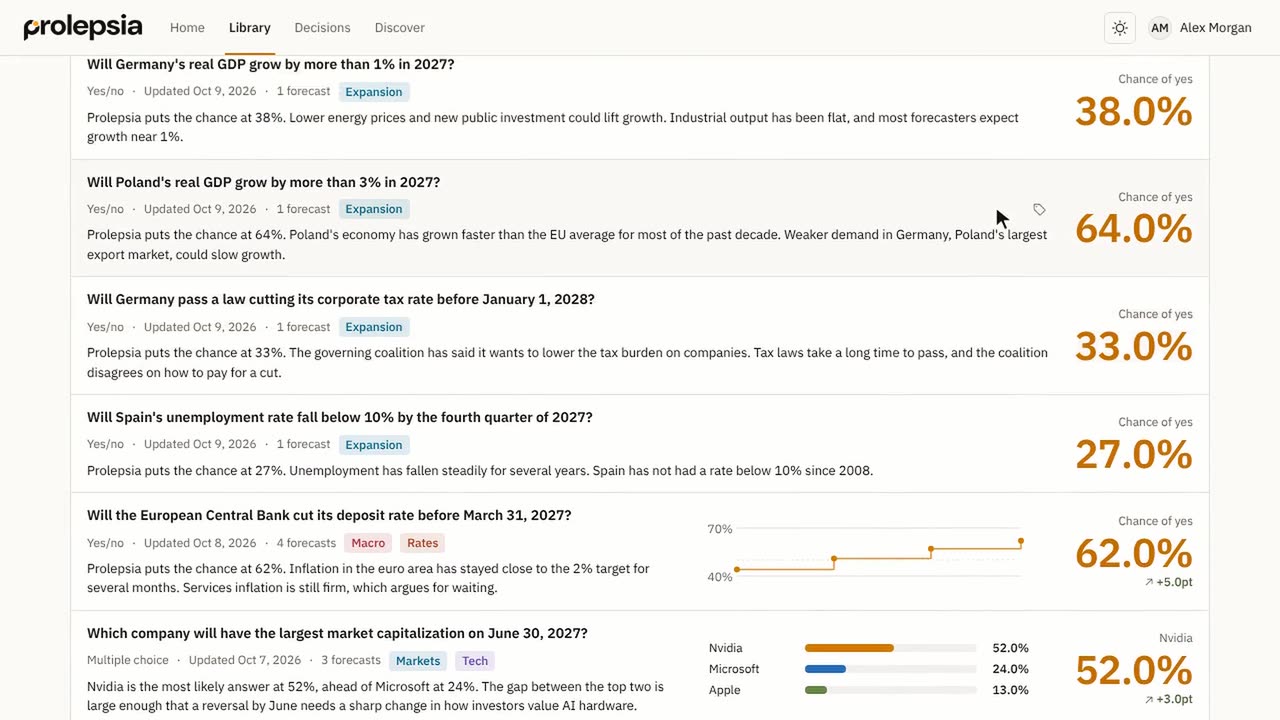 Browse the Library1:12
Find, filter and tag your questions, and switch between list and table views.
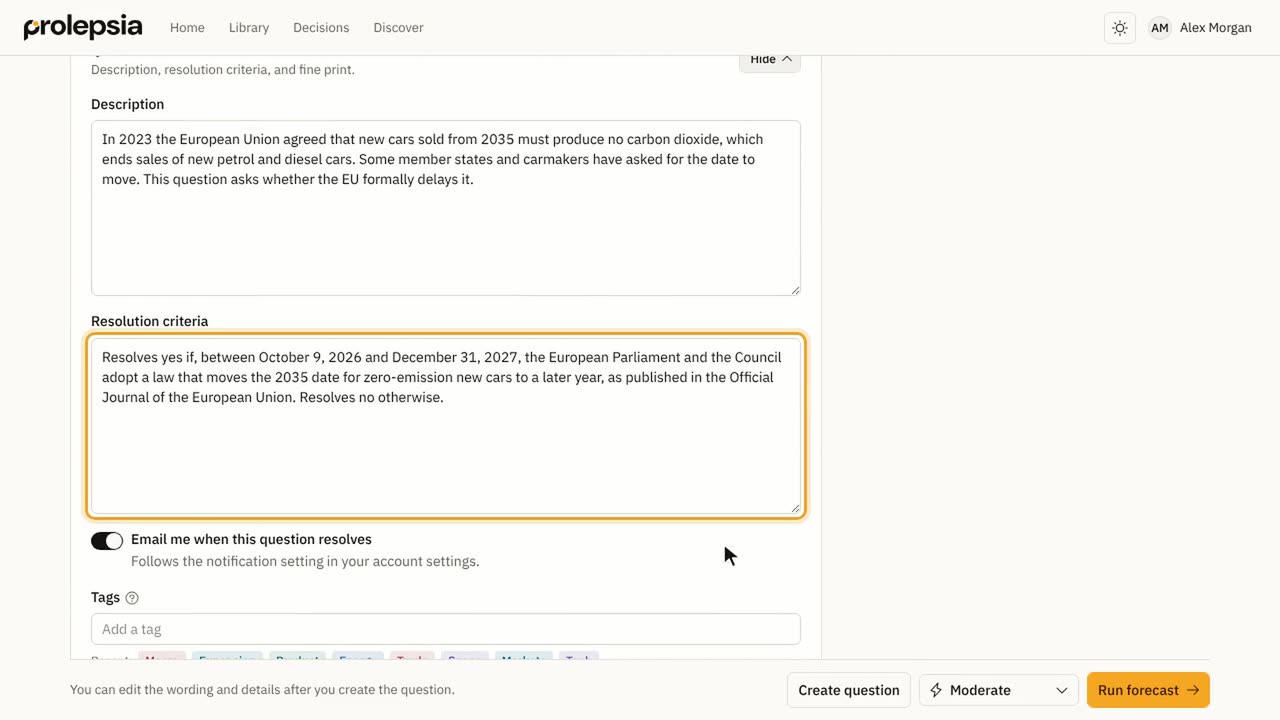 Ask a question1:10
Write a question, let AI draft the details, or import one from a prediction market.
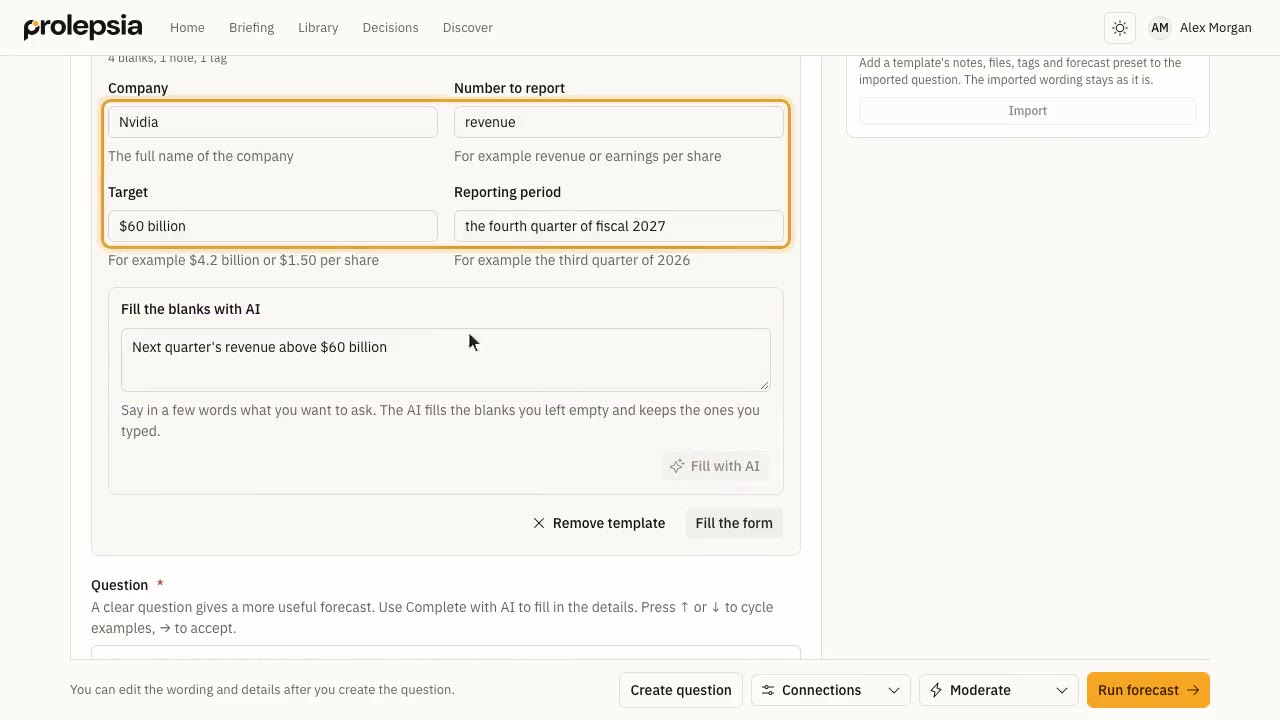 Start from a template1:27
Use a template for a question you ask often, fill its blanks by hand or with AI, and make templates of your own.
Forecasts
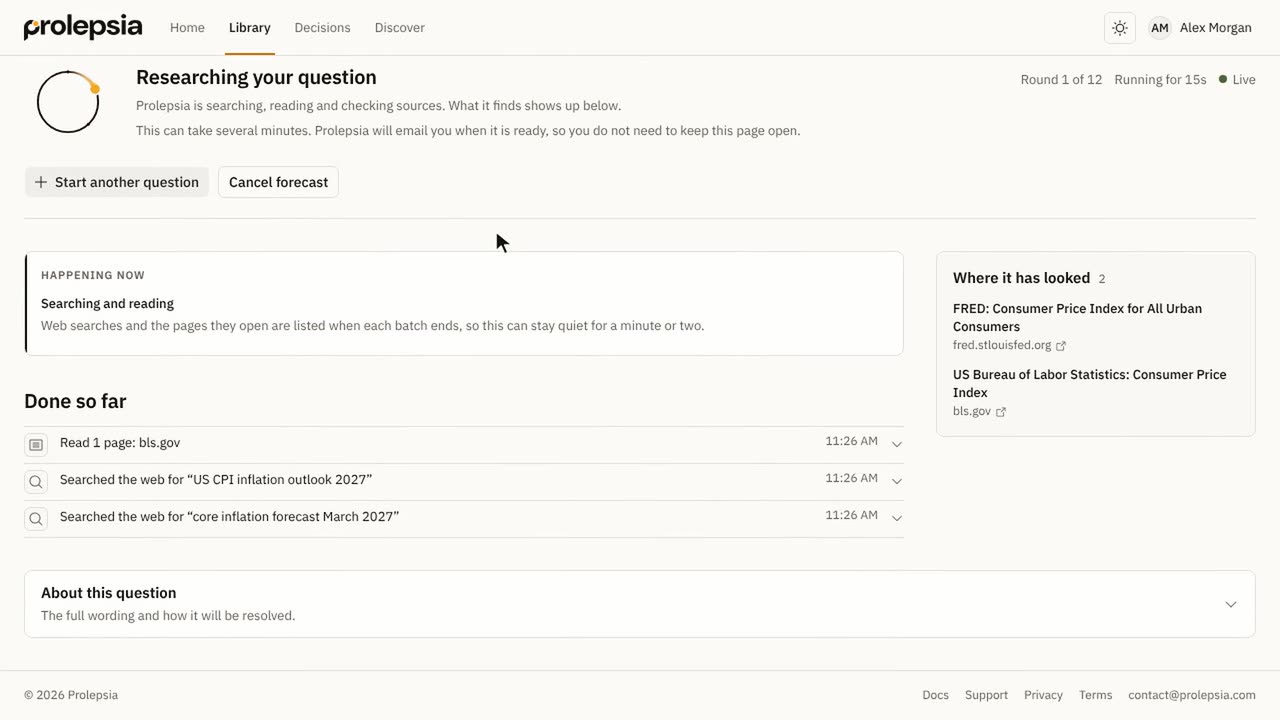 Run a forecast1:26
Pick a run mode, start a forecast and follow it while it researches.
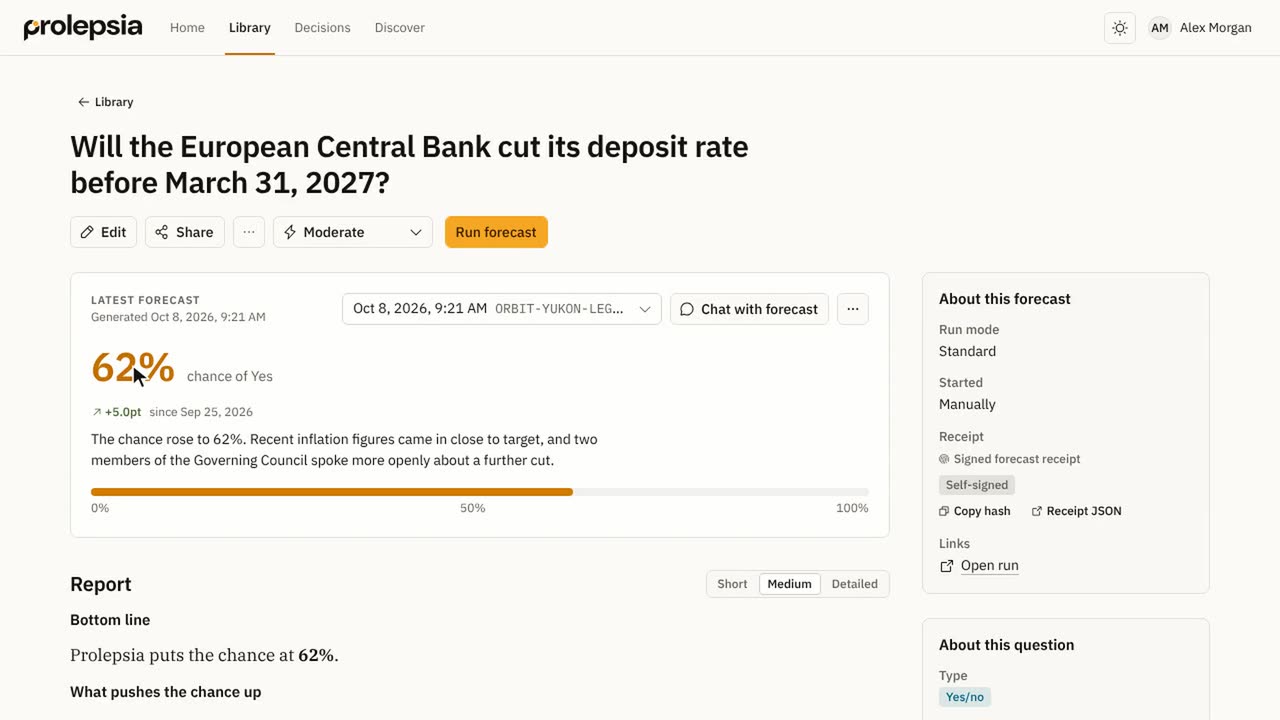 Read a forecast1:01
Read the answer, the report and the sources, and compare earlier forecasts.
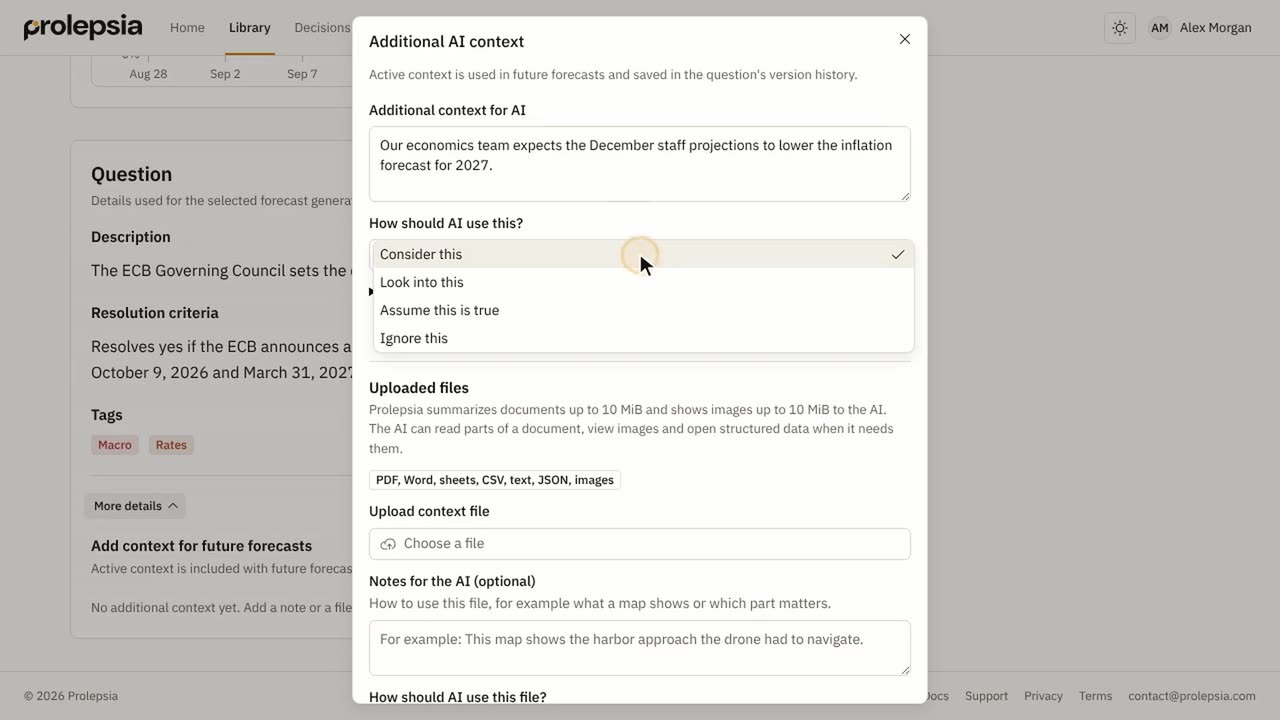 Add context to a question0:52
Give later forecasts your own notes and files, and say how to use them.
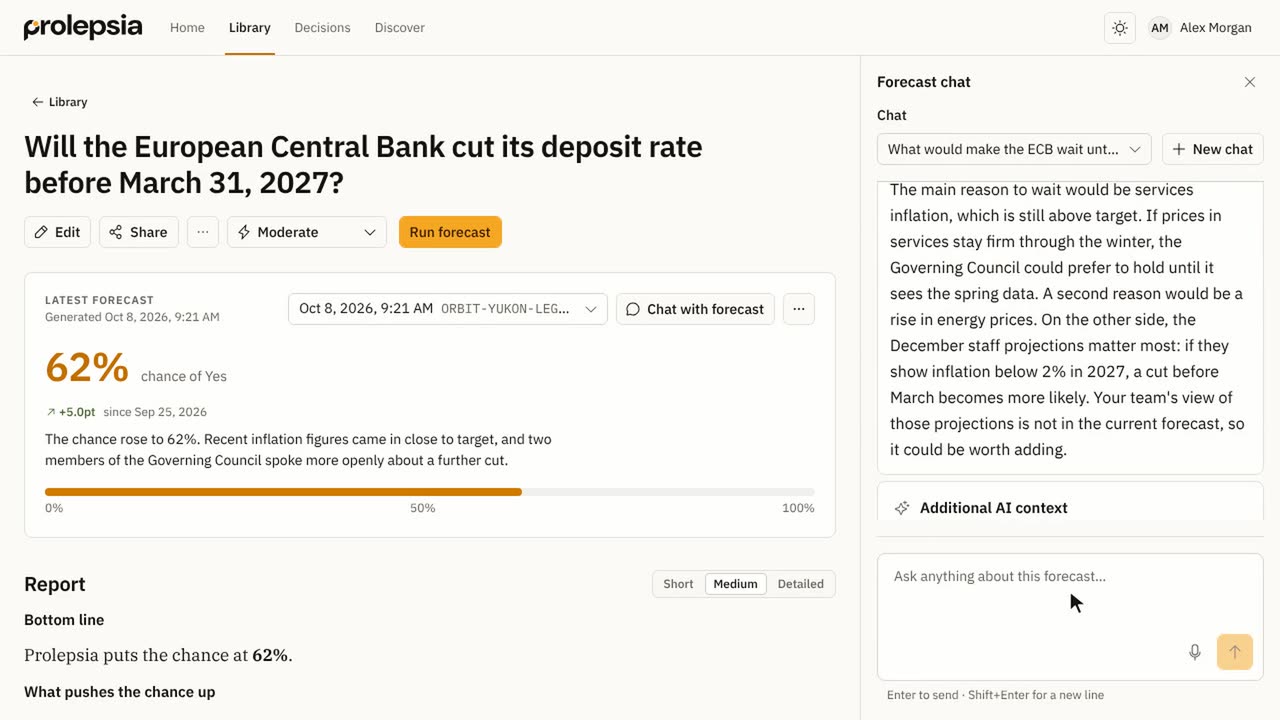 Chat with a forecast0:41
Ask follow-up questions about a forecast, and turn new facts into context.
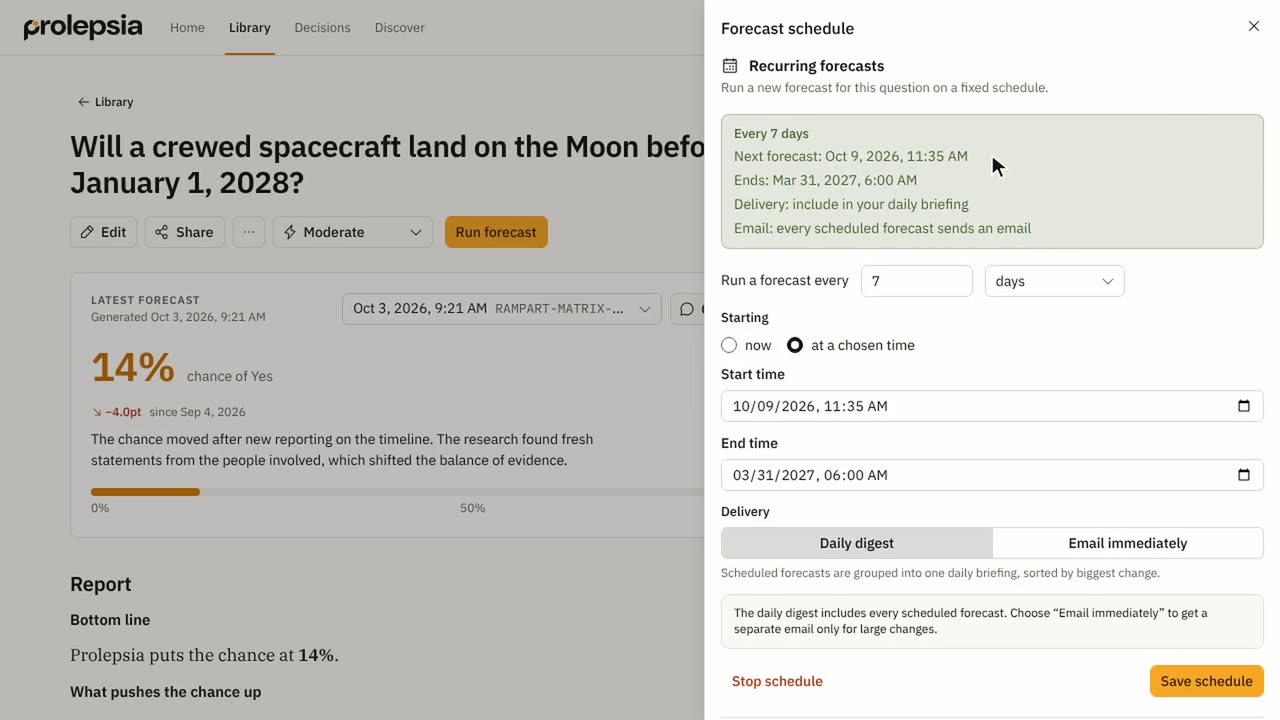
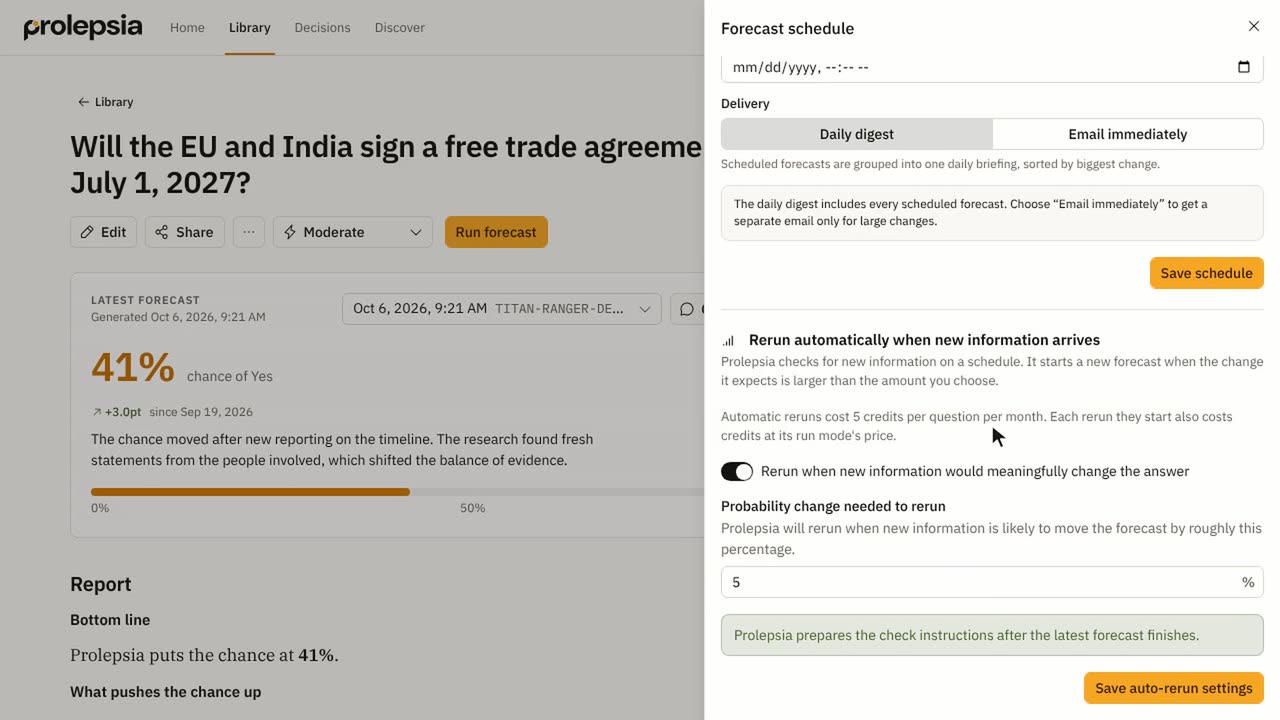
Keep forecasts current
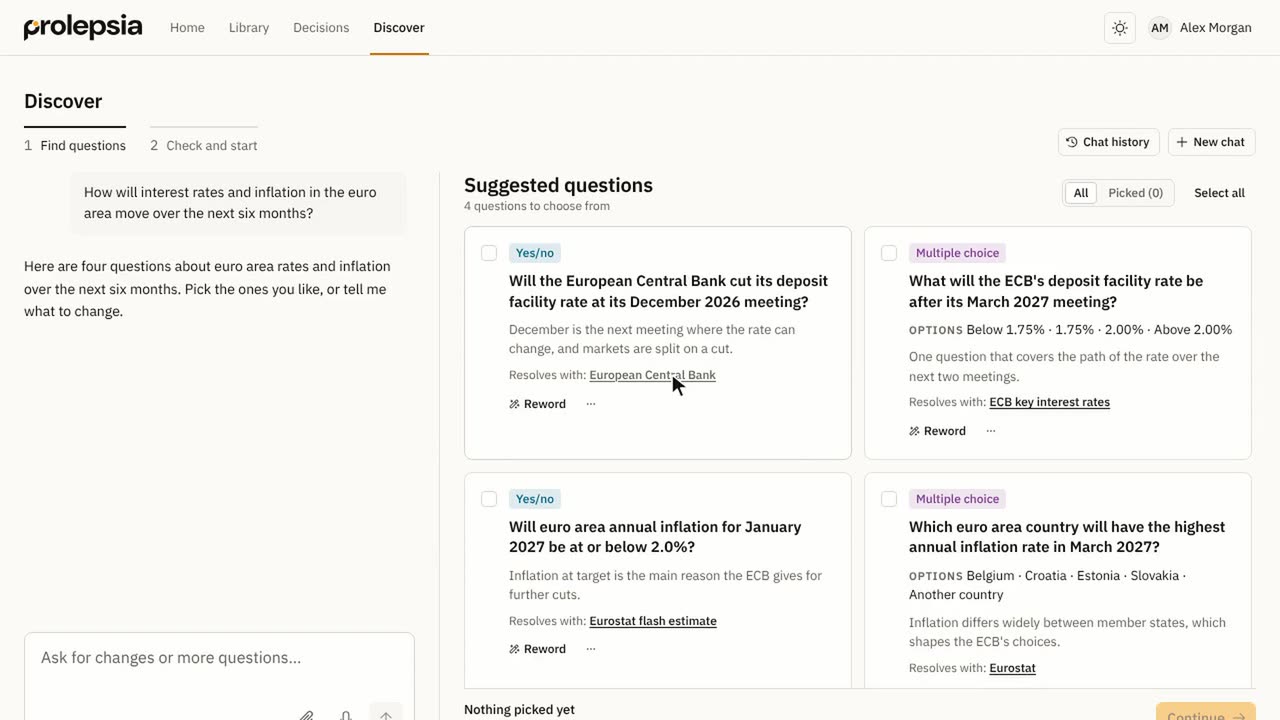
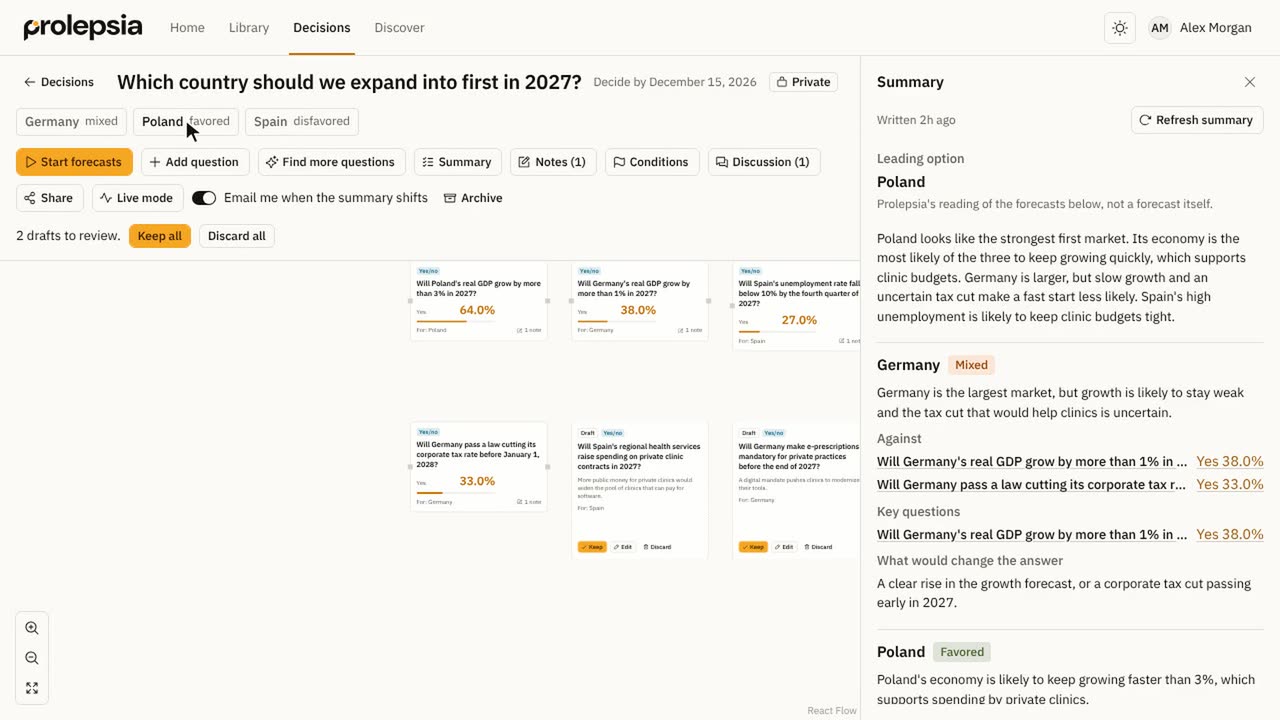
Explore and decide
Share and connect
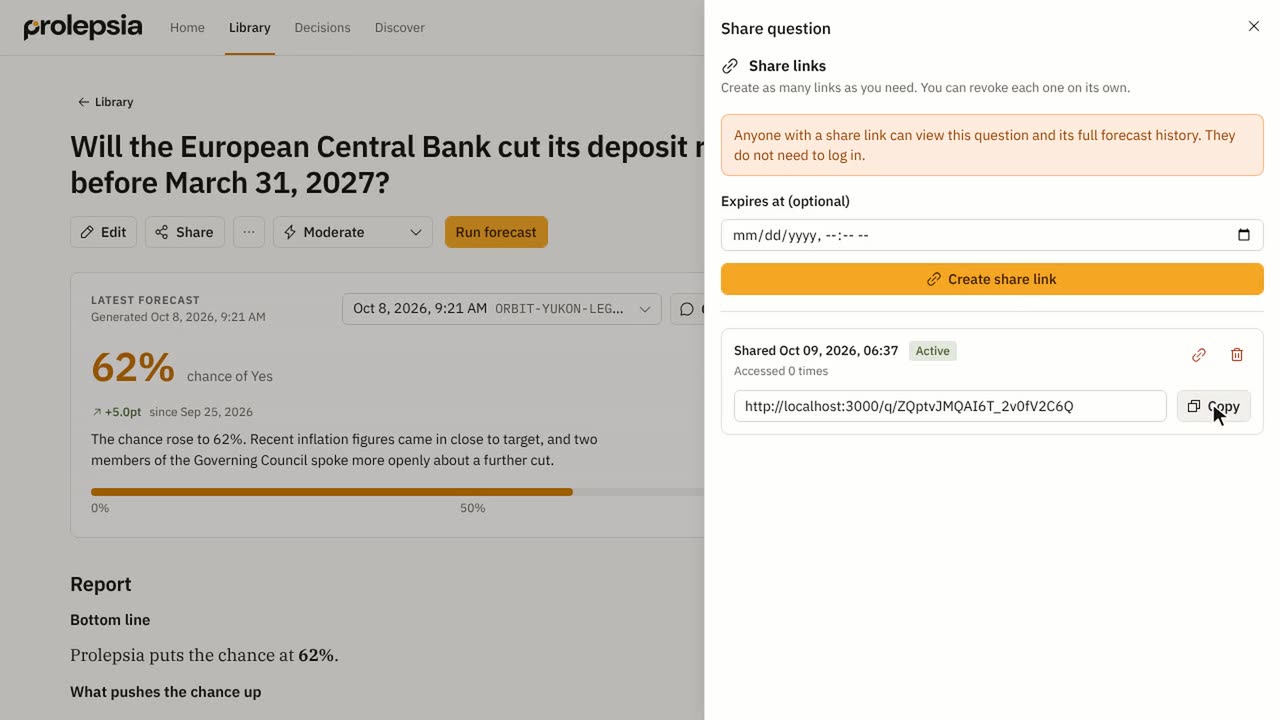 Share a question0:38
Share a question with your organization, or with anyone through a link.
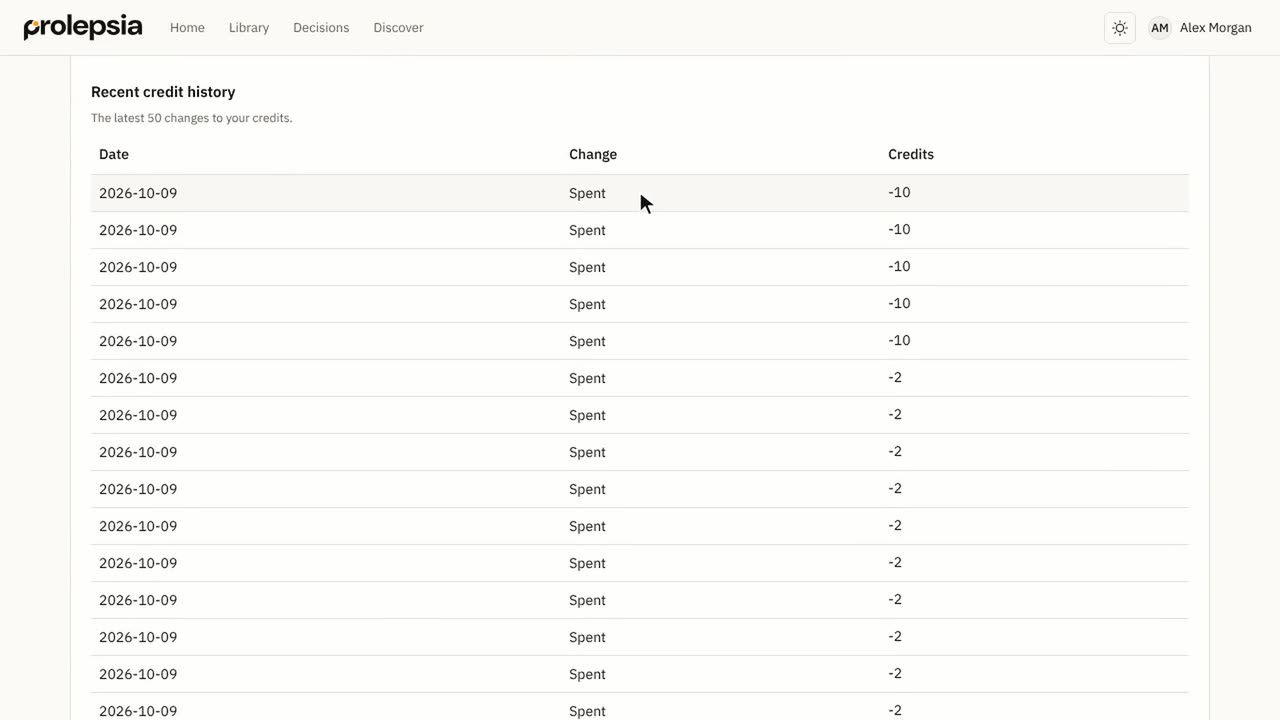 Settings, credits and notifications0:48
Set your report length and emails, check your credits and see your organization.
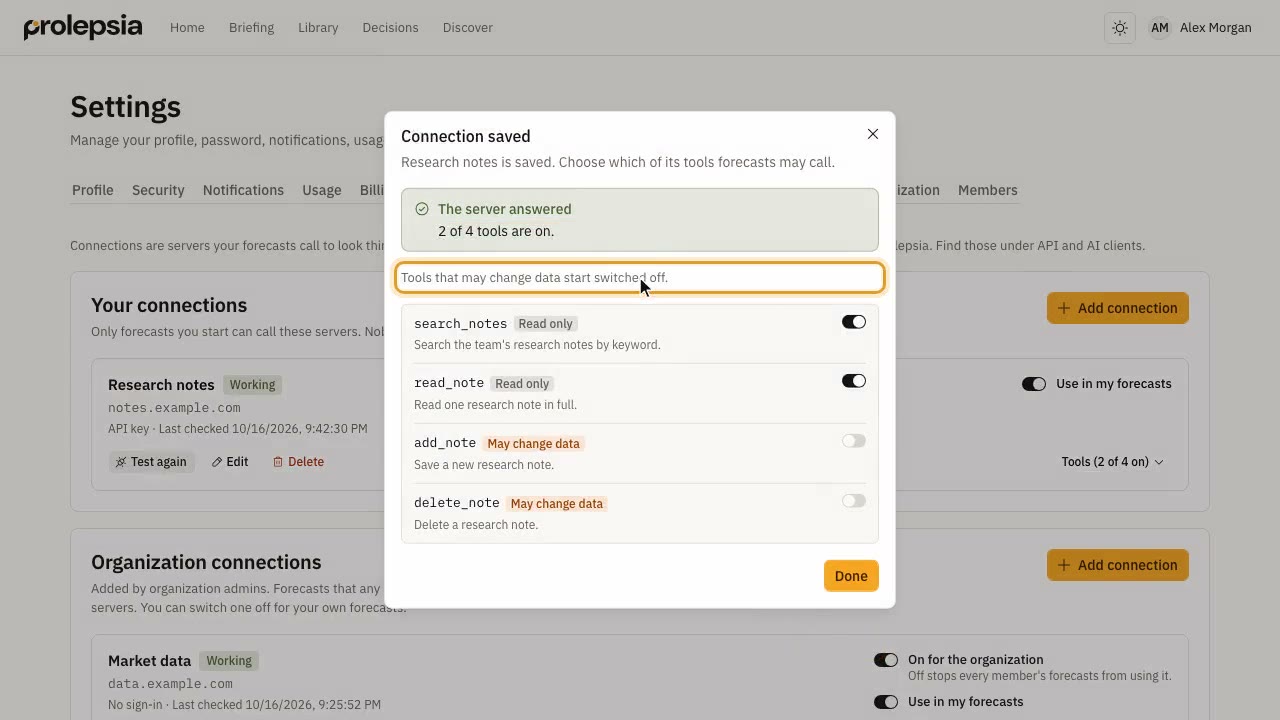 Connect your own tools1:25
Add a connection so your forecasts can look things up in your own tools and data.
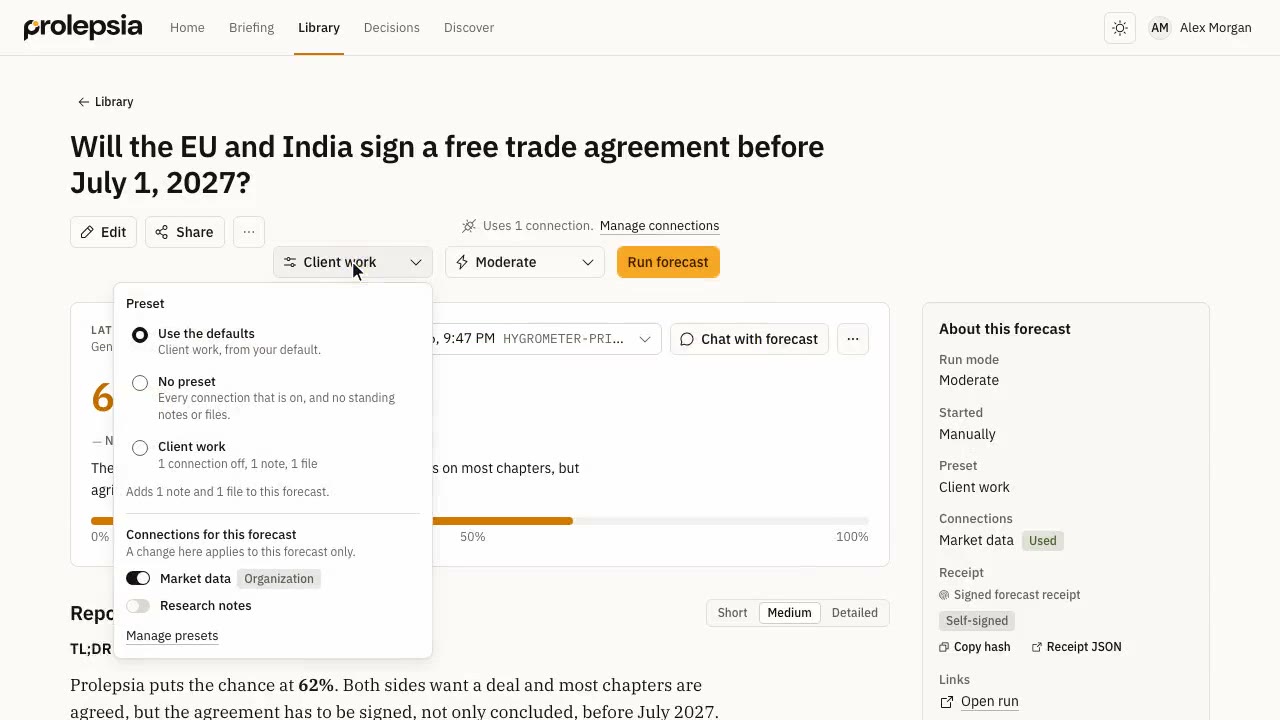 Save forecast presets1:23
Save the connections, standing notes and files you use again and again, and pick them for any forecast.
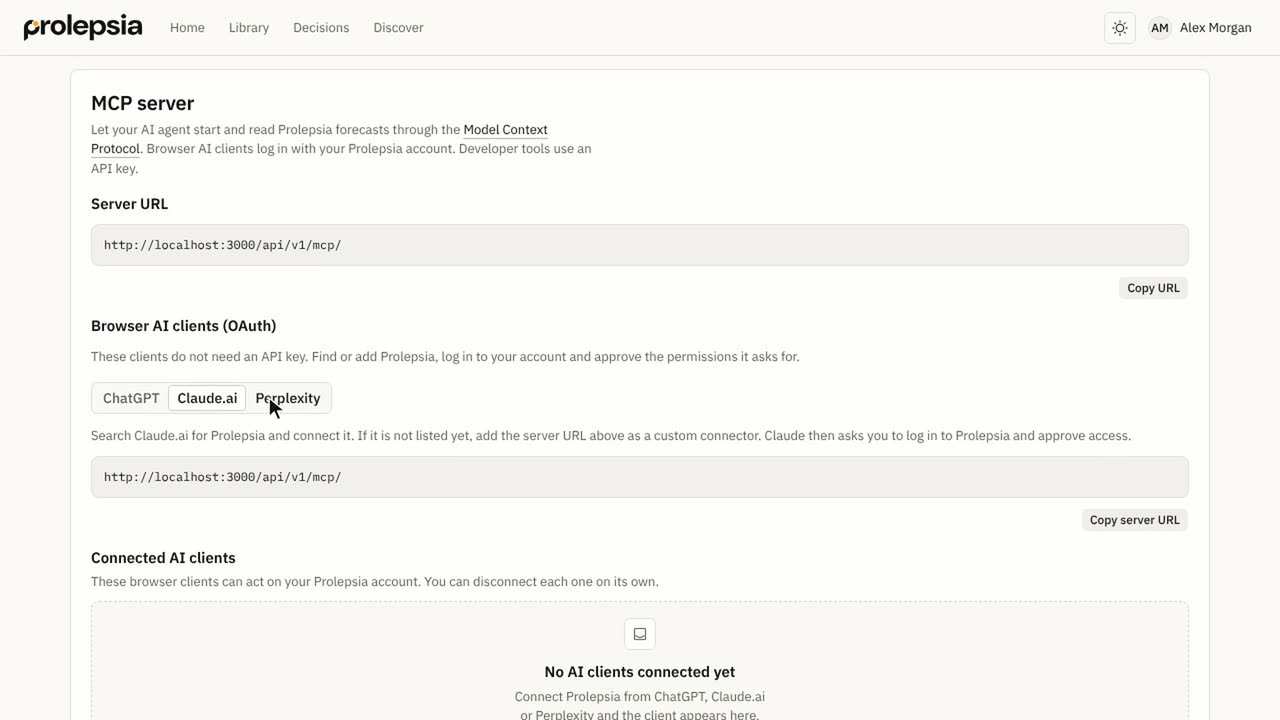 Use Prolepsia in your AI assistant1:01
Connect ChatGPT, Claude, Cursor and other tools to Prolepsia through its MCP server.
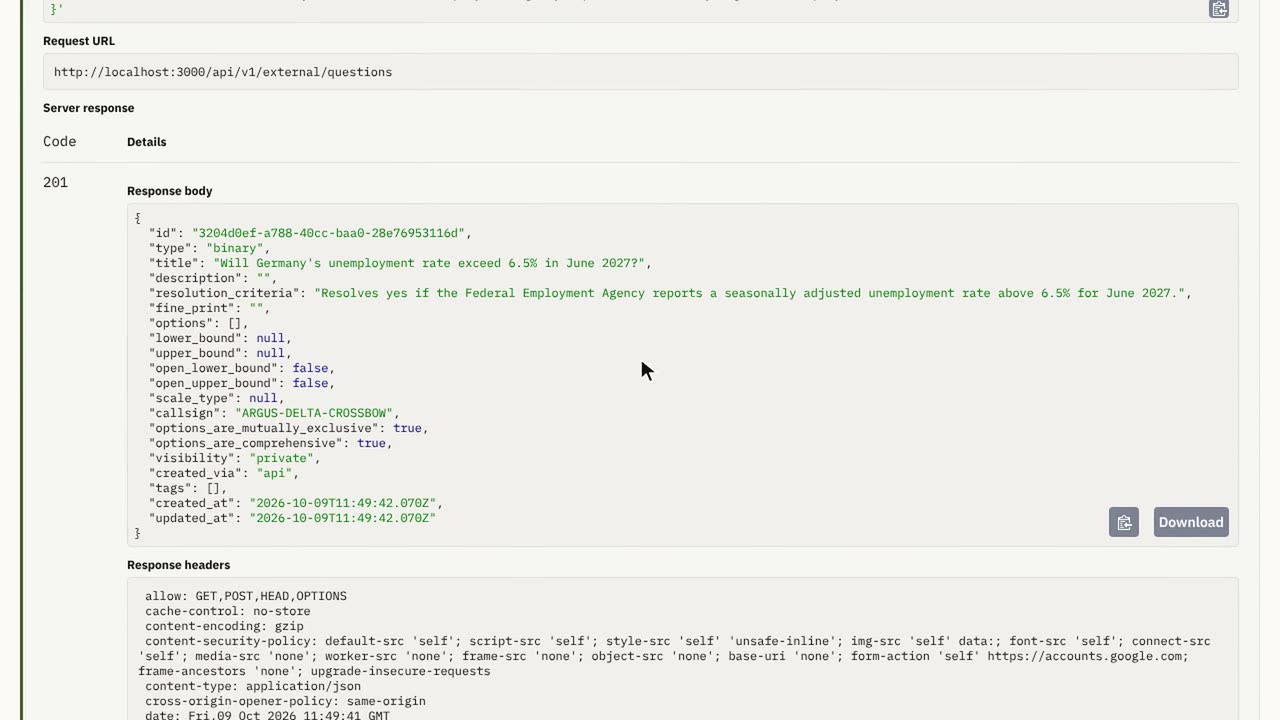 Use the API and webhooks2:07
Create an API key, call the API from your code and get a webhook when a forecast finishes.
For developers
- APICreate questions, start forecasts and read results from your own code, with examples in TypeScript, Python and curl.
- WebhooksGet a signed HTTPS call when a forecast starts, finishes or fails, and check the signature on your server.
- MCP serverConnect ChatGPT, Claude, Cursor, Codex and your own agents to Prolepsia, and install the agent skill.
Building with an AI coding agent? Give it /docs/developers/llms.txt, which lists every page as Markdown, or a single page such as /docs/developers/api.md. Each page also has a Copy page as Markdown button.
The videos use a demo account with sample questions and forecasts. For the full list of API calls, open the API reference.